Everything Your Restaurant Needs To Start QR Ordering
From customer QR ordering to kitchen KDS, cashier table management, TV order display and admin reporting, iMakan keeps your restaurant flow connected.
Customer QR Ordering
Customer scans table QR, browses menu, selects add-ons, submits order and views order status from their own phone.
Kitchen KDS
Kitchen receives orders live, changes status from pending to preparing and ready, and can print kitchen order tickets.
Cashier Table Management
Cashier can see table status, print bill, settle payment and clear the table after customer finishes dining.
TV Order Display
Show pending, preparing and ready orders on TV for self-collection counters or open kitchen environments.
Bell System
Customer can call waiter from the ordering page, useful for service request or assistance at table.
Sales Report
Admin can view sales report, order history and analysis chart for better restaurant operation tracking.
Manage Your Menu And Staff Easily
iMakan gives restaurant owner or admin a simple backend to manage daily operation.
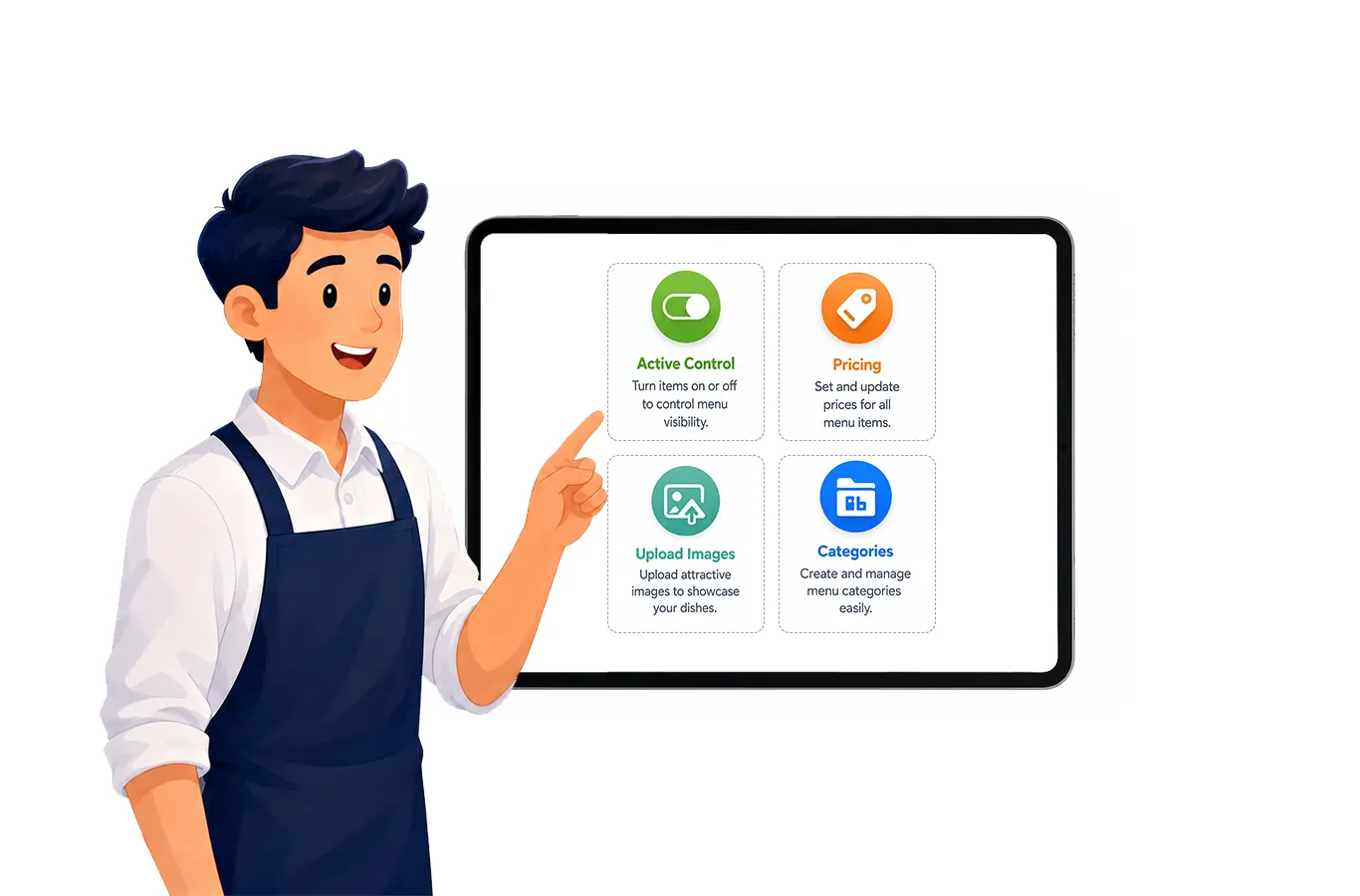
Menu Management
Create home menu categories, add menu items, set price, add descriptions, upload images, sort menu display and control active items.
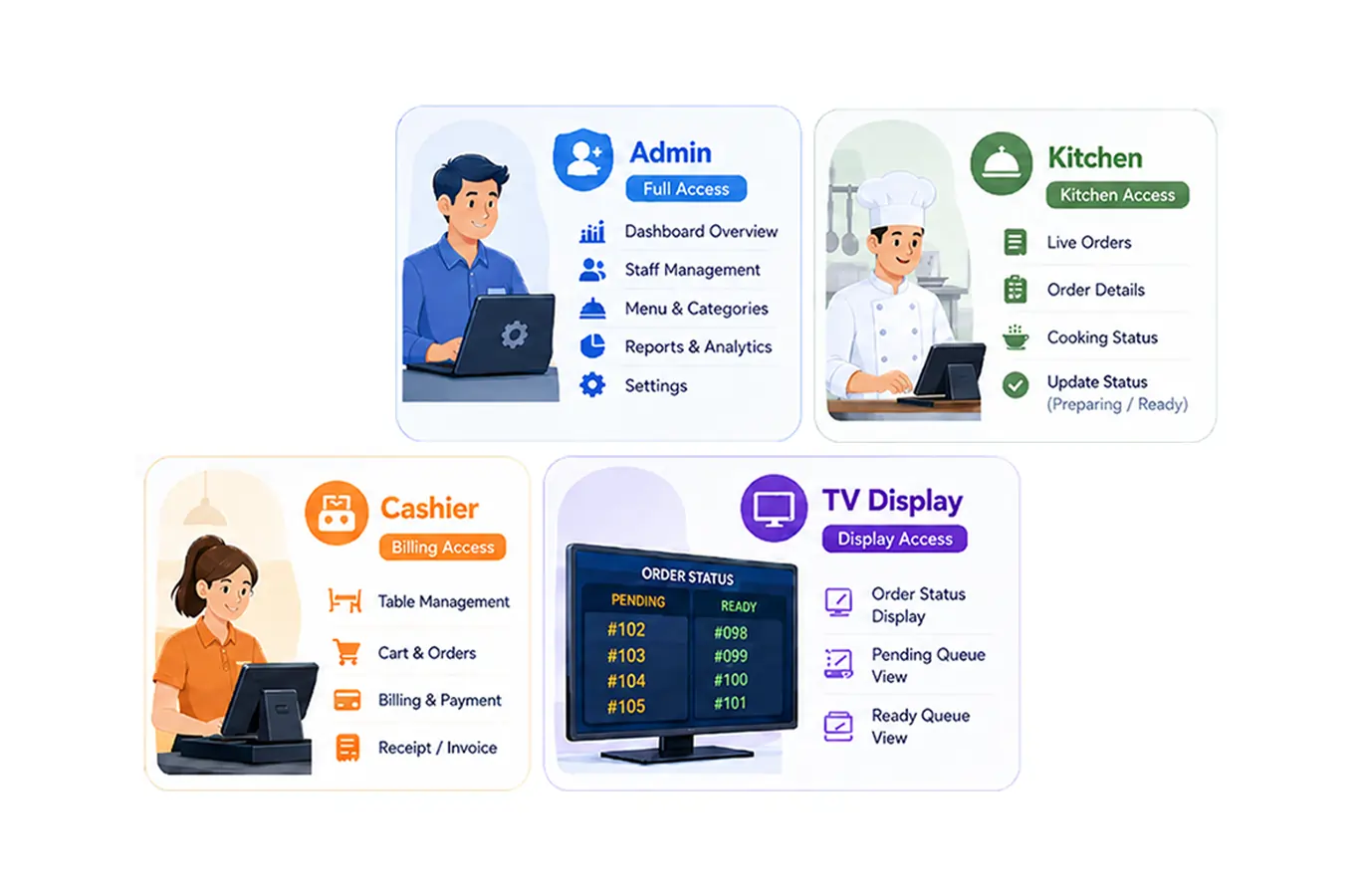
Staff Account Management
Create staff accounts for kitchen, cashier, TV display and admin users. Different roles can access different parts of the system.